
Q360 vs SedonaOffice
SedonaOffice is widely used in the security industry, especially by companies focused on monitoring, service, and recurring revenue. Q360 is built for the broader category of systems integrators who design, install, and support complex technology across multiple disciplines.
How SedonaOffice Is Typically Used
SedonaOffice is strong where monitoring and recurring revenue are core, alarm and security service drives the business, and technicians focus on service and maintenance. For security-focused organizations, Sedona provides a solid operational and financial platform.
Where Integrators Feel Friction
Many modern integrators operate across multiple disciplines. A single customer might have AV, access control, cameras, fire alarm, and mass notification installed by the same company. These projects involve large-scale installs, staging, job costing, and coordination between project and service teams. Sedona is optimized for security service workflows, not complex multi-discipline project control.
How Q360 Handles This
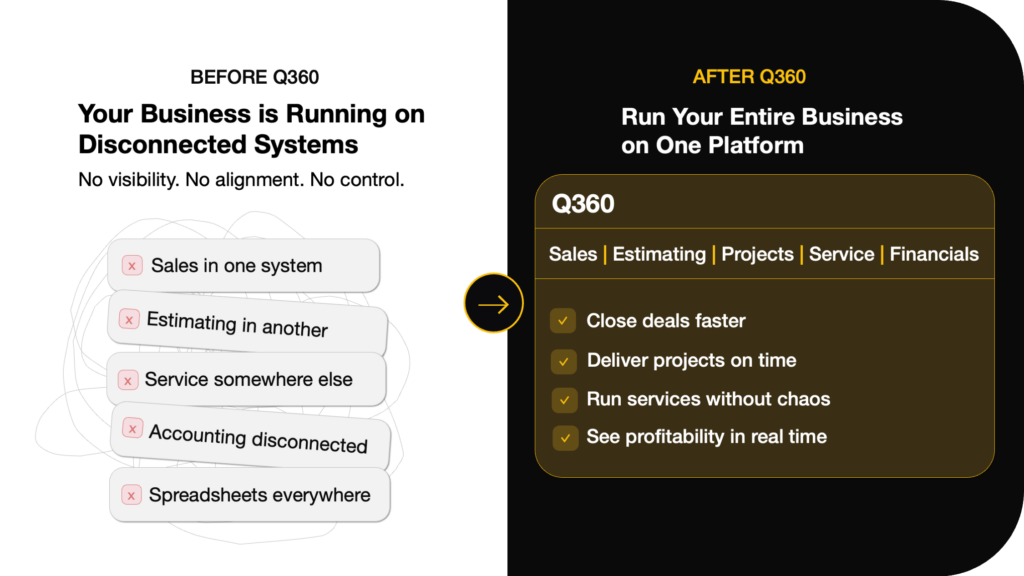
Q360 was designed for companies that live in both worlds. Projects and service run on the same platform. Installed systems, regardless of discipline, become part of a unified customer record. This allows AV, security, and life safety teams to operate as one business instead of separate silos.
How They Compare for Integrators
| What Integrators Evaluate | Q360 | Sage Intacct |
|---|---|---|
| Accounting and reporting | Strong | Very Strong |
| Project job costing | Labor and install driven | Financial project driven |
| Service and dispatch | Native | External |
| Installed base by site | Core concept | Not core |
| Service agreements | Built-in | Typically external |
| Inventory by truck and job | Designed for it | Accounting-focused |
| Project-to-service continuity | Automatic | Process-driven |
| Overall fit for integrators | High | Moderate |
| Embedded AI Agents | Yes | No |
Choose Q360 if…
You want one platform to manage both operations and financials — with real-time visibility from field to finance.
Choose Sage Intacct if…
Financial management is your primary need and operations will be handled in separate, specialized systems.
Day-in-the-Life Comparisons
Here's what happens in real integration workflows — and where the platform difference shows up.
A change order hits mid-project
In Q360, the PM creates a change order that automatically updates the budget, material list, and billing schedule. In other platforms, this often requires manual updates across multiple systems.
A tech needs device history on-site
In Q360, the technician opens the mobile app and sees the complete installed base — every device, drawing, and service record for that site. In other platforms, this data often lives in a separate system.
A service contract renews while jobs are still running
In Q360, renewals are tied to installed assets and happen automatically. Open projects and active service run side by side on the same platform. In other platforms, these are often managed in different tools.
Q360 vs SedonaOffice
Book a demo and see how Q360 connects field operations directly to financial performance.