
Q360 vs Microsoft Business Central
Business Central is a modern ERP platform at the heart of the Microsoft stack. Q360 was designed for systems integrators who install, maintain, and support technology in the field. The difference shows up in how they support technicians, service teams, and long-term customer relationships.
How Microsoft Business Central Is Typically Used
Business Central provides core ERP functions — financials, purchasing, inventory, projects, and basic resource management. Many integrators pair it with Microsoft Dynamics Field Service or partner tools for dispatch, service calls, and technician workflows. This creates a modular ecosystem that can be powerful, but data is spread across multiple applications.
Where Integrators Feel Friction
When project, service, and customer system data live in different systems, integrators lose visibility. Installed equipment is tracked in one place, service history in another, and financial performance in the ERP. Project managers and service managers must piece together the full picture — slowing decisions and increasing risk.
How Q360 Handles This
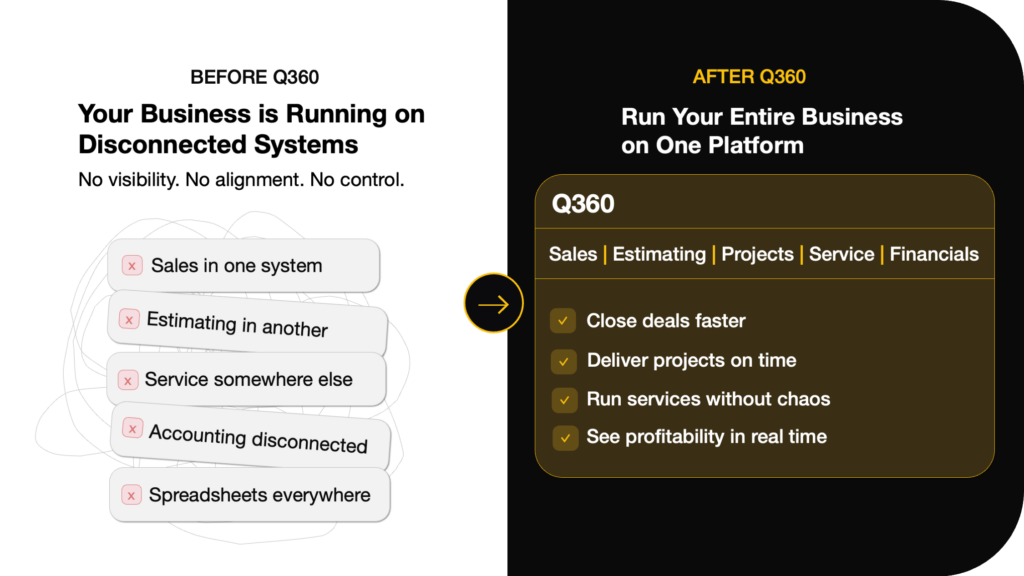
Q360 eliminates those gaps. Projects, service, inventory, installed systems, and agreements all live in one operational model. When a system is installed, it immediately becomes part of the customer’s service and asset history. Technicians, PMs, and finance all see the same data.
How They Compare for Integrators
| What Integrators Evaluate | Q360 | Microsoft Business Central |
|---|---|---|
| Core ERP | Built for integrators | General ERP |
| Field service and dispatch | Native | Separate application |
| Project job costing | Integration-focused | Project-based |
| Installed base by site | Core concept | Not native |
| Service agreements | Built in | Configured |
| Inventory by truck and job | Designed for it | Warehouse-focused |
| Project-to-service handoff | Automatic | Process-driven |
| Overall fit for integrators | High | Depends on integrations |
| Embedded AI Agents | Yes | No |
Choose Q360 if…
You want one system to run installation, service, and financials — without assembling a stack of Microsoft tools.
Choose Microsoft Business Central if…
You want an ERP foundation on the Microsoft stack and are comfortable assembling the rest with Dynamics Field Service and partner solutions.
Day-in-the-Life Comparisons
Here's what happens in real integration workflows — and where the platform difference shows up.
A change order hits mid-project
In Q360, the PM creates a change order that automatically updates the budget, material list, and billing schedule. In other platforms, this often requires manual updates across multiple systems.
A tech needs device history on-site
In Q360, the technician opens the mobile app and sees the complete installed base — every device, drawing, and service record for that site. In other platforms, this data often lives in a separate system.
A service contract renews while jobs are still running
In Q360, renewals are tied to installed assets and happen automatically. Open projects and active service run side by side on the same platform. In other platforms, these are often managed in different tools.
See How Q360 Supports Real Integration Workflows
Book a demo and see projects, service, and financials running on one platform.